Sign up and sign in
Create your Aztec-Calcs account and sign in to the customer portal.
Before you start
- You need an email address and a company name.
- You get one login for your account, and you are its owner.
Steps
-
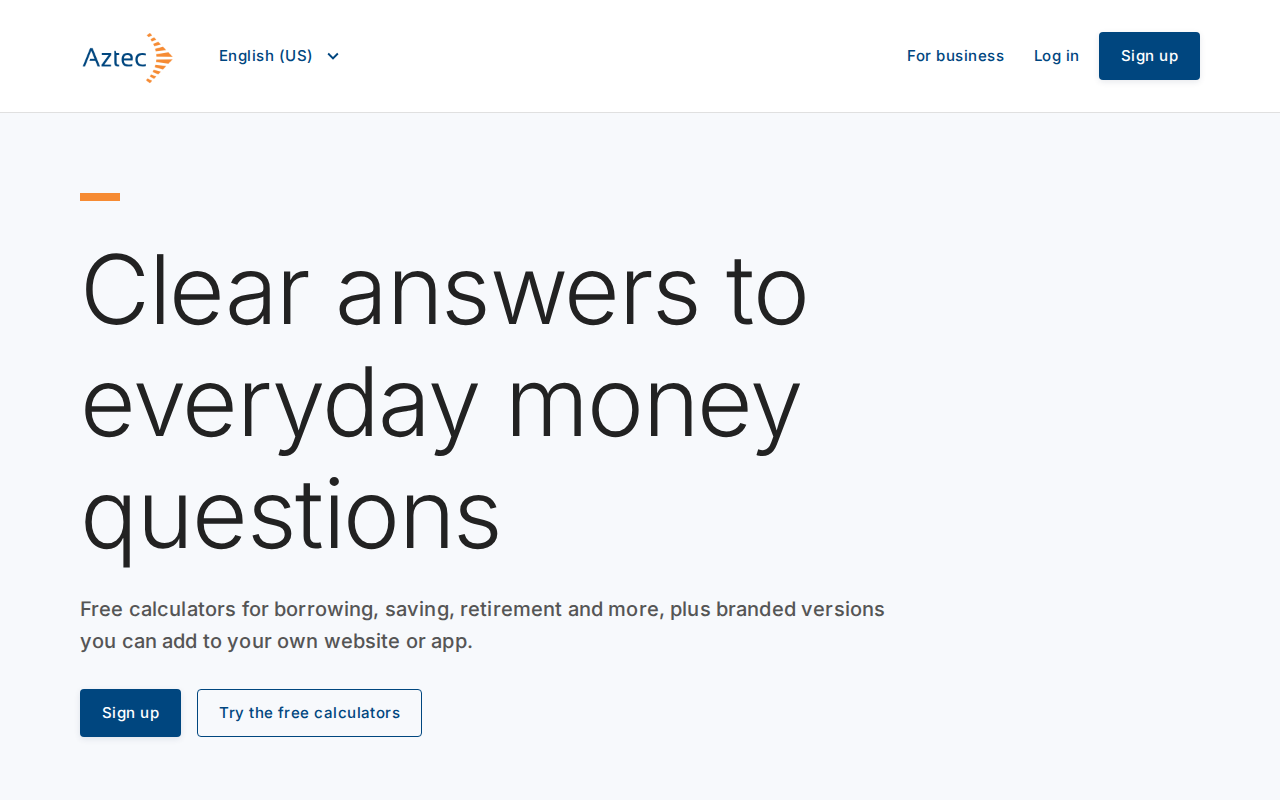
Open the Aztec-Calcs public site. Select Sign up to create an account, or Log in if you already have one.
-
Follow the hosted sign-up or sign-in page. After you finish, the portal opens.
-
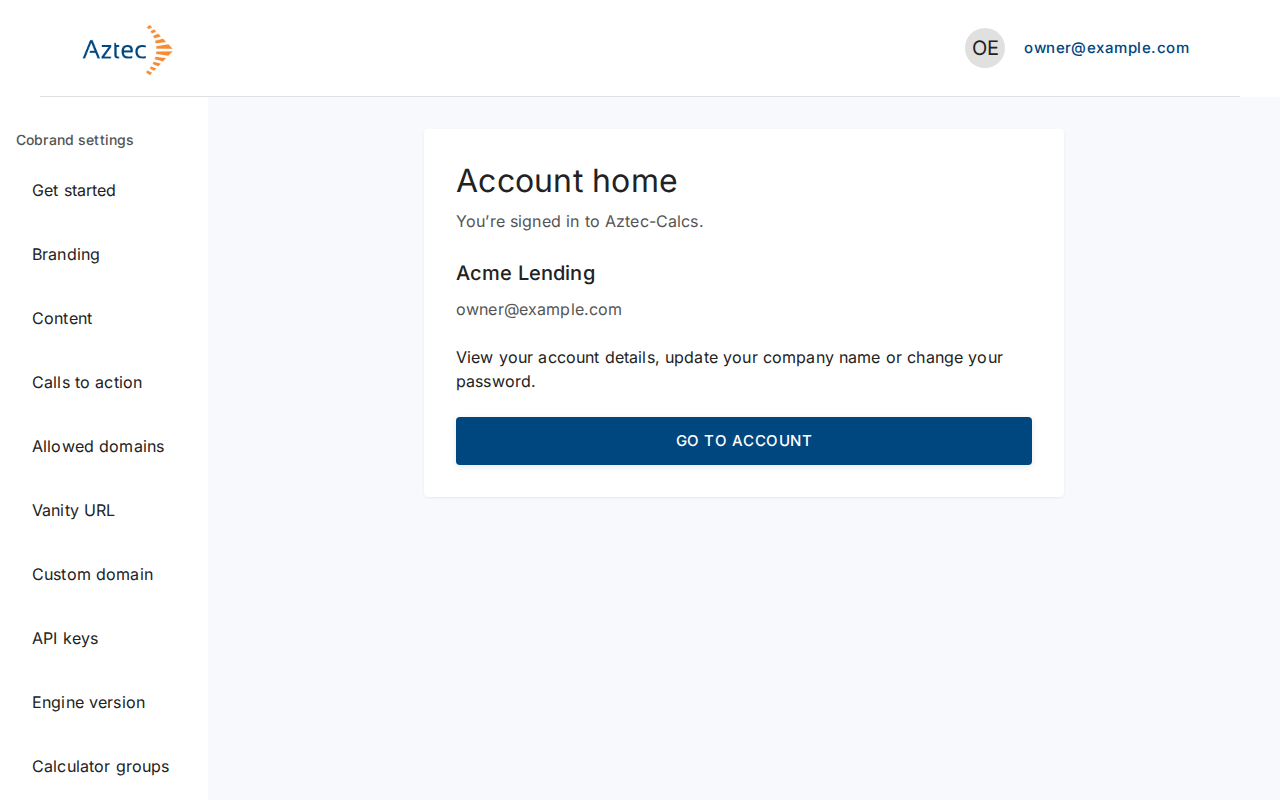
After you sign in, the portal opens Get started until you finish setup, then Account home, which shows your company name and email.
-
Select Go to Account to change your company name or password.
-
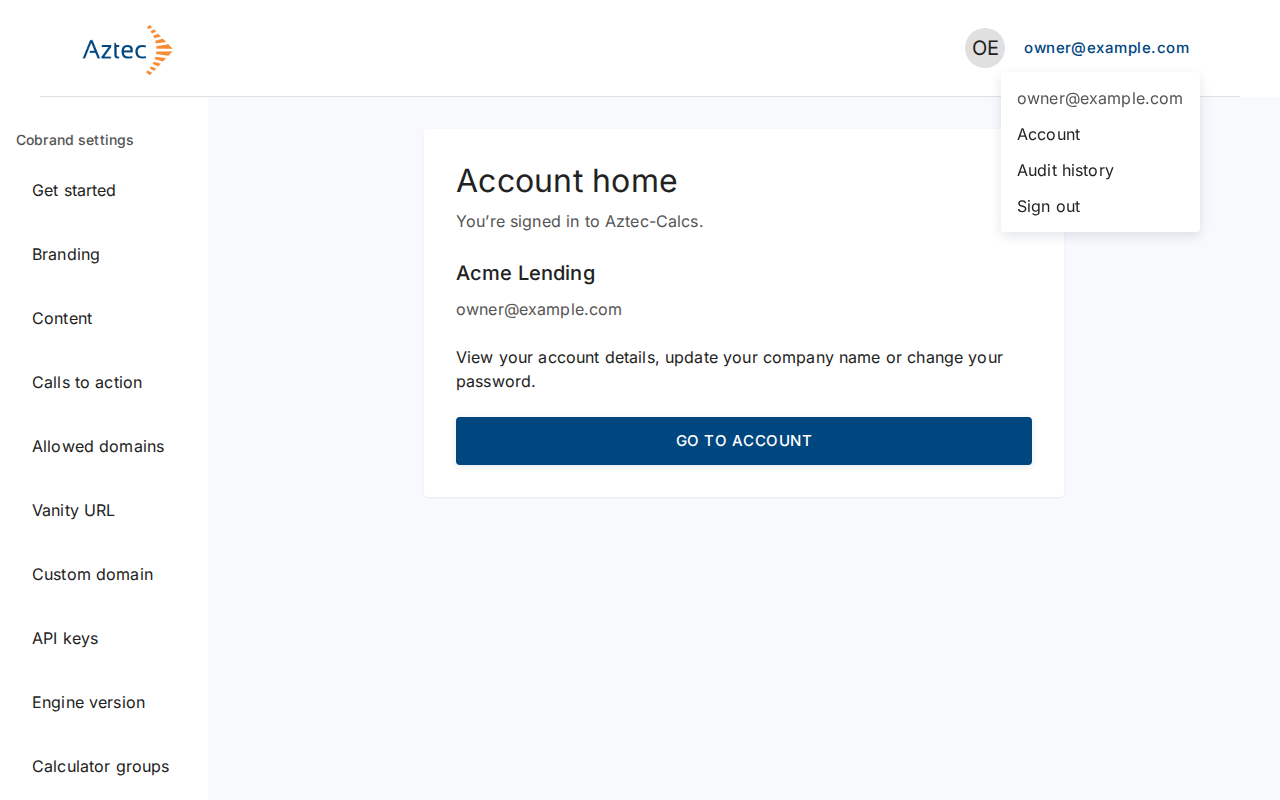
To sign out, open the account menu (it shows your email) and select Sign out.
What you see when it works
You land in the customer portal with your email in the top right corner and the settings menu on the left.
Troubleshooting
-
The Log in and Sign up buttons do not respond. The site shows "Log in and sign up are temporarily unavailable. Please try again later." Wait a moment and reload.
-
Sign-in unavailable. The portal shows "Sign-in is temporarily unavailable, please try again shortly." Select Try again.
-
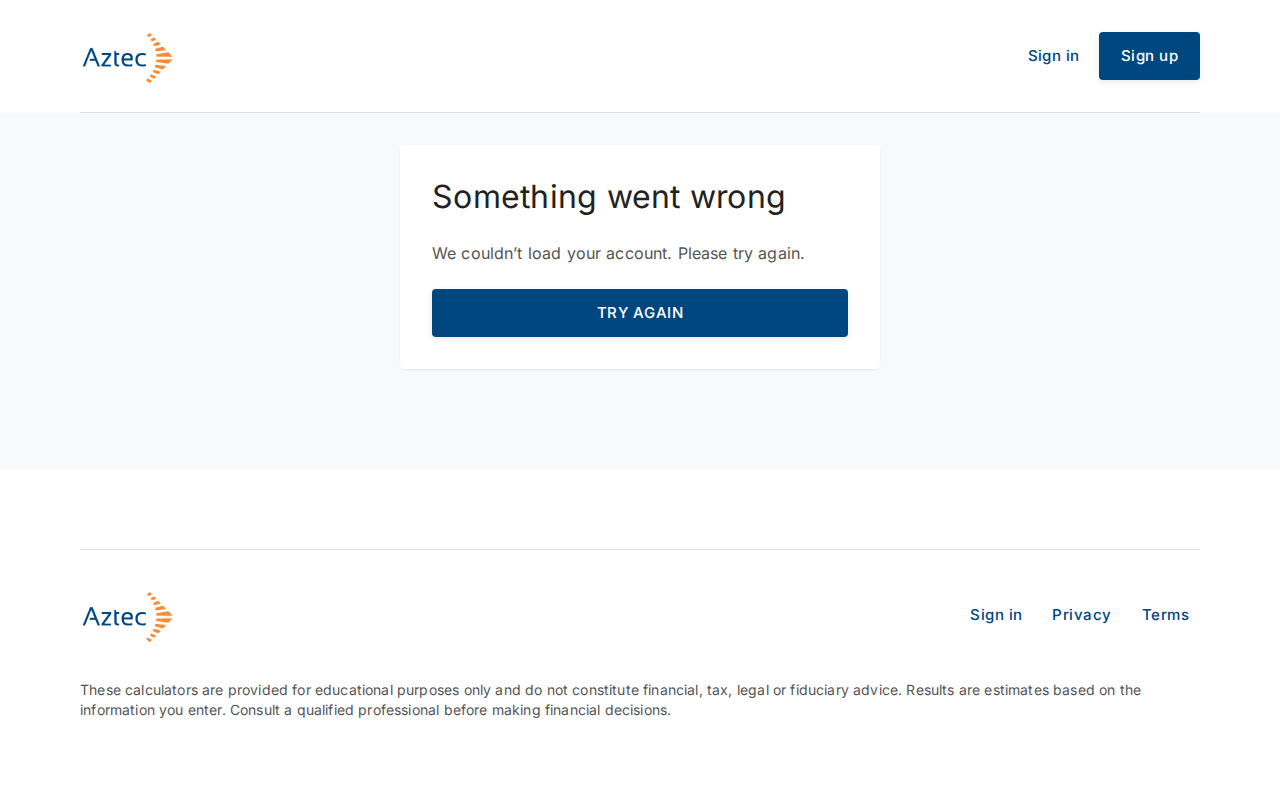
Something went wrong. The portal shows "We couldn’t load your account. Please try again." Select Try again.
-
Account unavailable. Aztec has suspended or closed your account. Contact support using the address on that page.