Set the disclaimer and default language
Choose the language your calculators open in, and replace the platform disclaimer with your own wording for any language.
Before you start
- Sign in to the customer portal as the account owner.
- Your cobrand must be set up. Without it, the page shows Set up your cobrand to configure content.
Steps
-
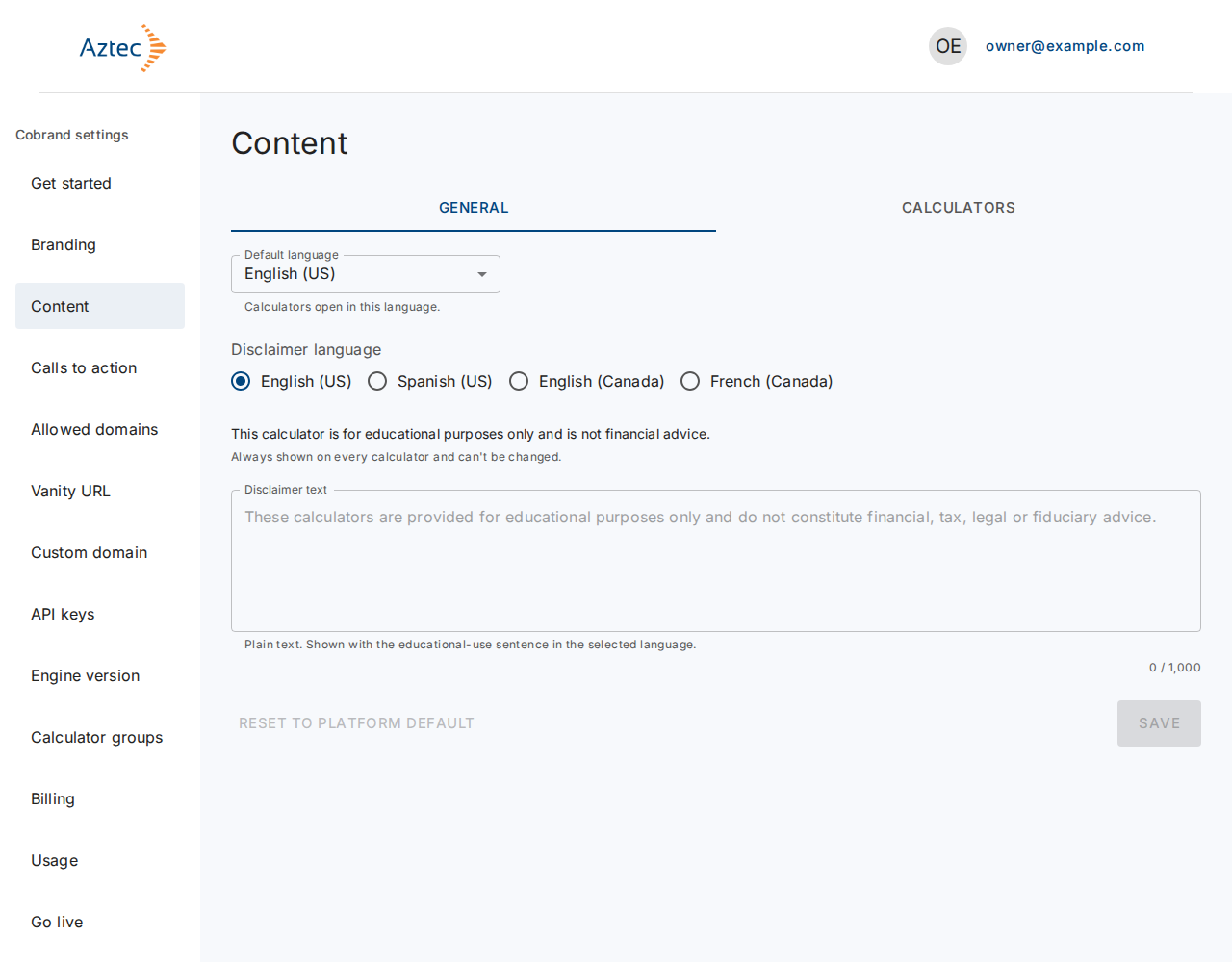
In the left menu under Cobrand settings, select Content. The General tab opens first.
-
Under Default language, choose English (US), Spanish (US), English (Canada) or French (Canada). Calculators open in this language.
-
Under Disclaimer language, select the language you want to edit. A language with your own wording shows Customized.
-
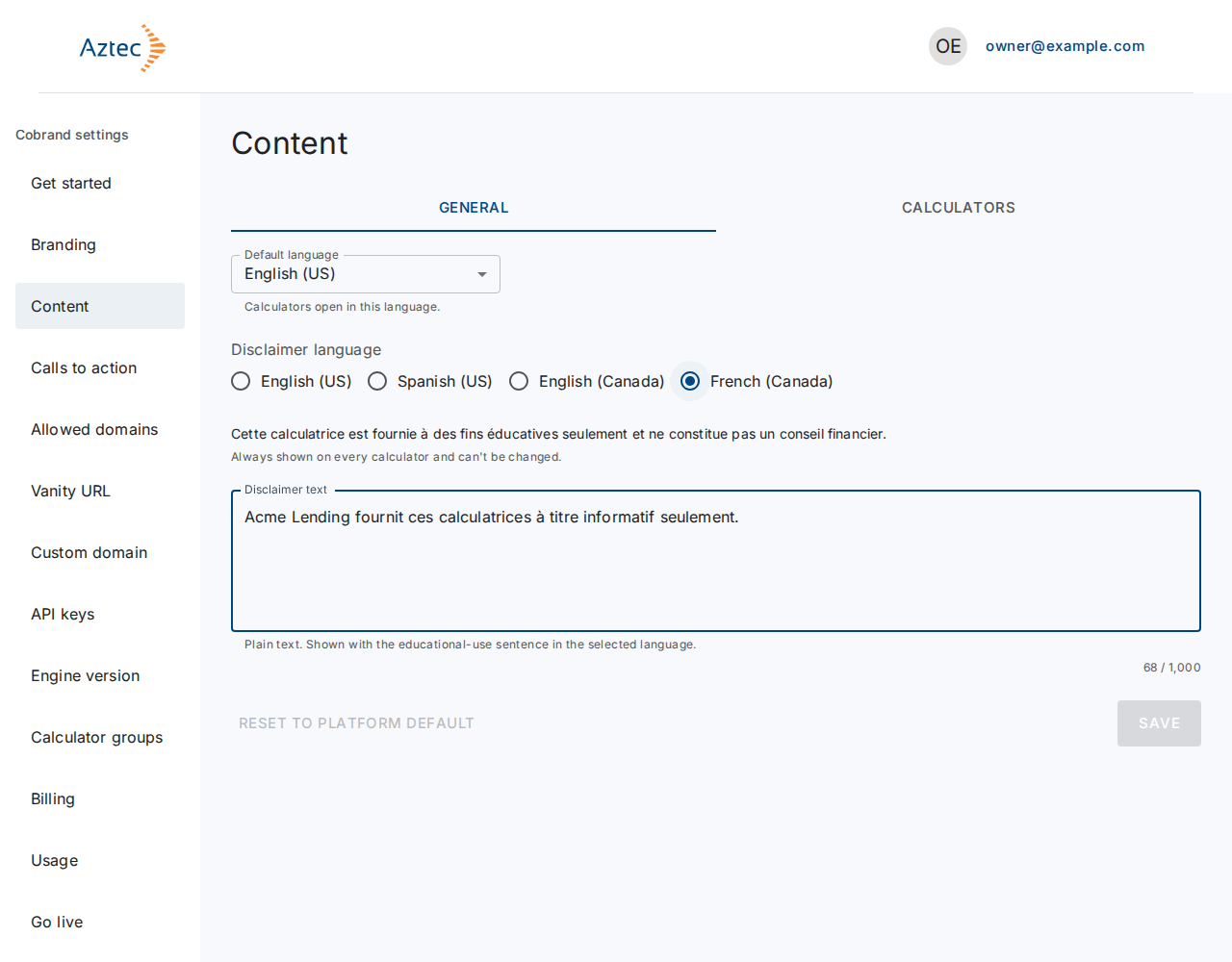
Enter your wording in Disclaimer text. Use plain text. The field shows how many characters remain. Leave it blank to use the platform disclaimer.
-
Select Save.
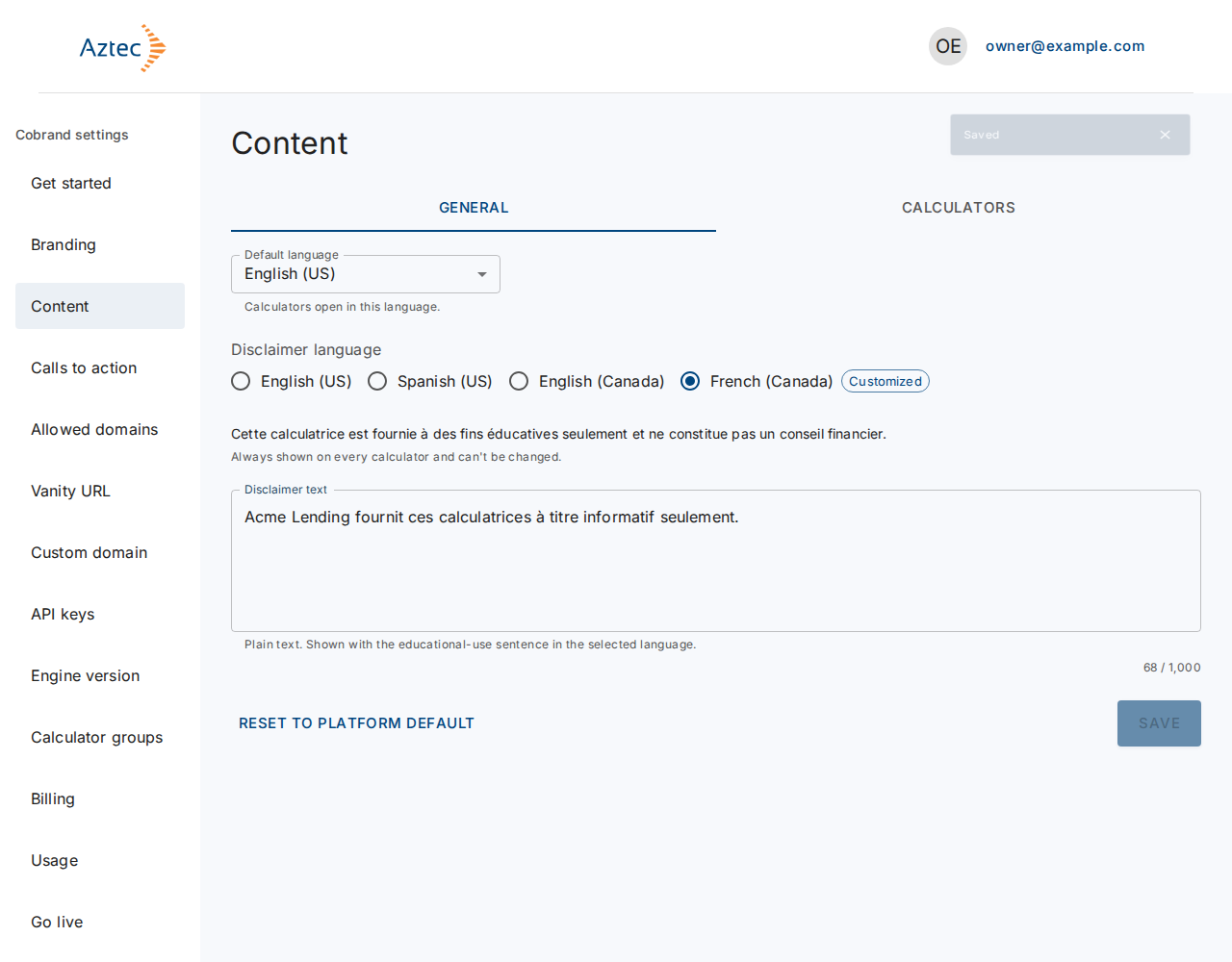
To remove your wording for a language, select Reset to platform default, then Save. The educational-use sentence shows on every calculator and you can't change it.
What you see when it works
The portal shows Saved, and the language you edited shows Customized.
Troubleshooting
-
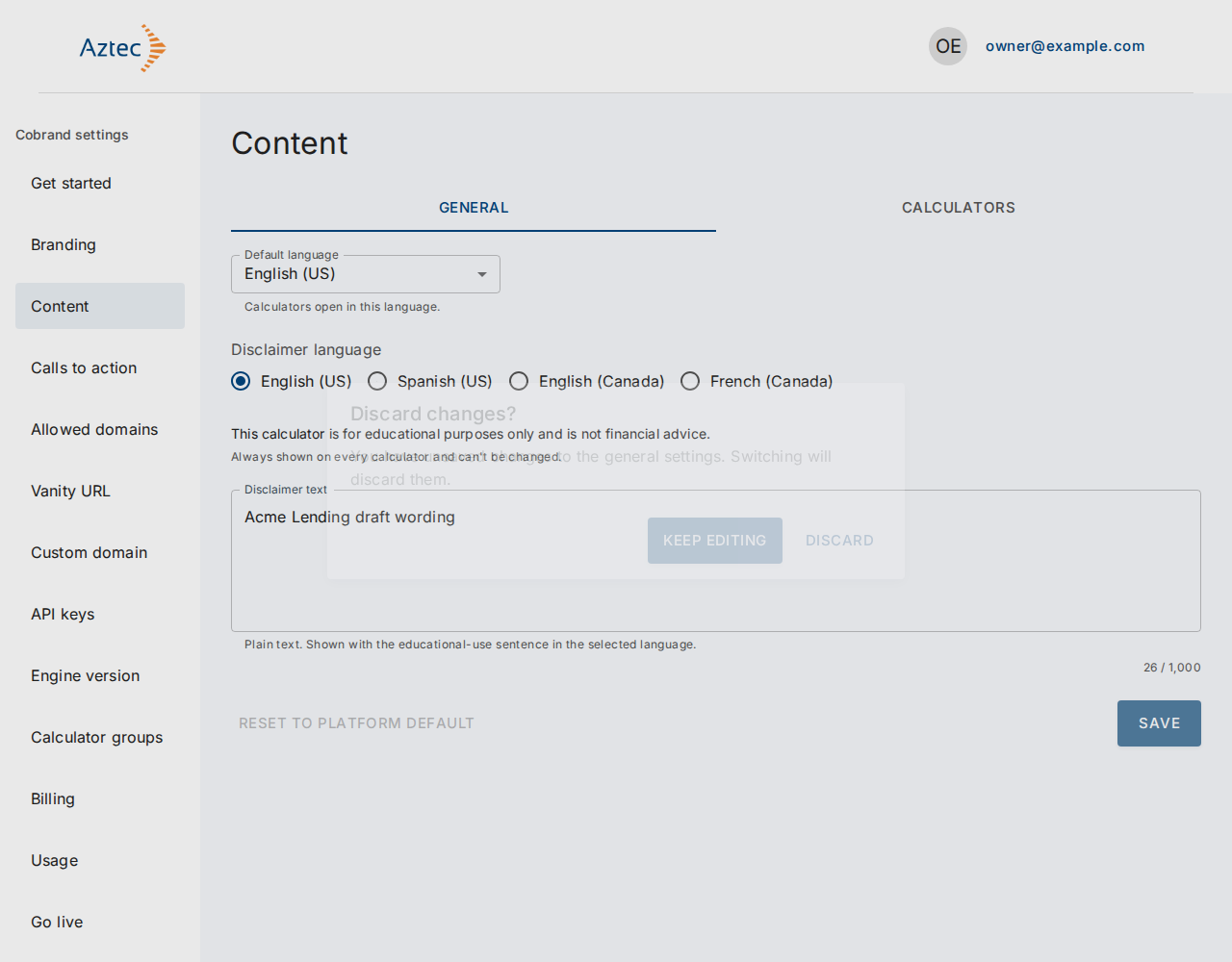
Discard changes? You switched language with unsaved text. Select Keep editing to stay, or Discard to drop the text.
-
Use plain text only. Remove HTML or markdown from the text.
-
Enter at most … characters. Shorten the text to the limit that the counter shows.
-
A conflict message with a Reload button. Someone else saved first. Select Reload to load the latest version. This discards your edits.
-
The portal couldn't load the general settings. Select Retry.
-
The portal couldn't save the settings. Try Save again.